

Most companies that run a blog now run it on WordPress, and most of them already use AI somewhere in the process. The problem is the copy and paste loop: draft in ChatGPT, paste into WordPress, write the meta description somewhere else, then hunt for alt text and FAQs by hand.
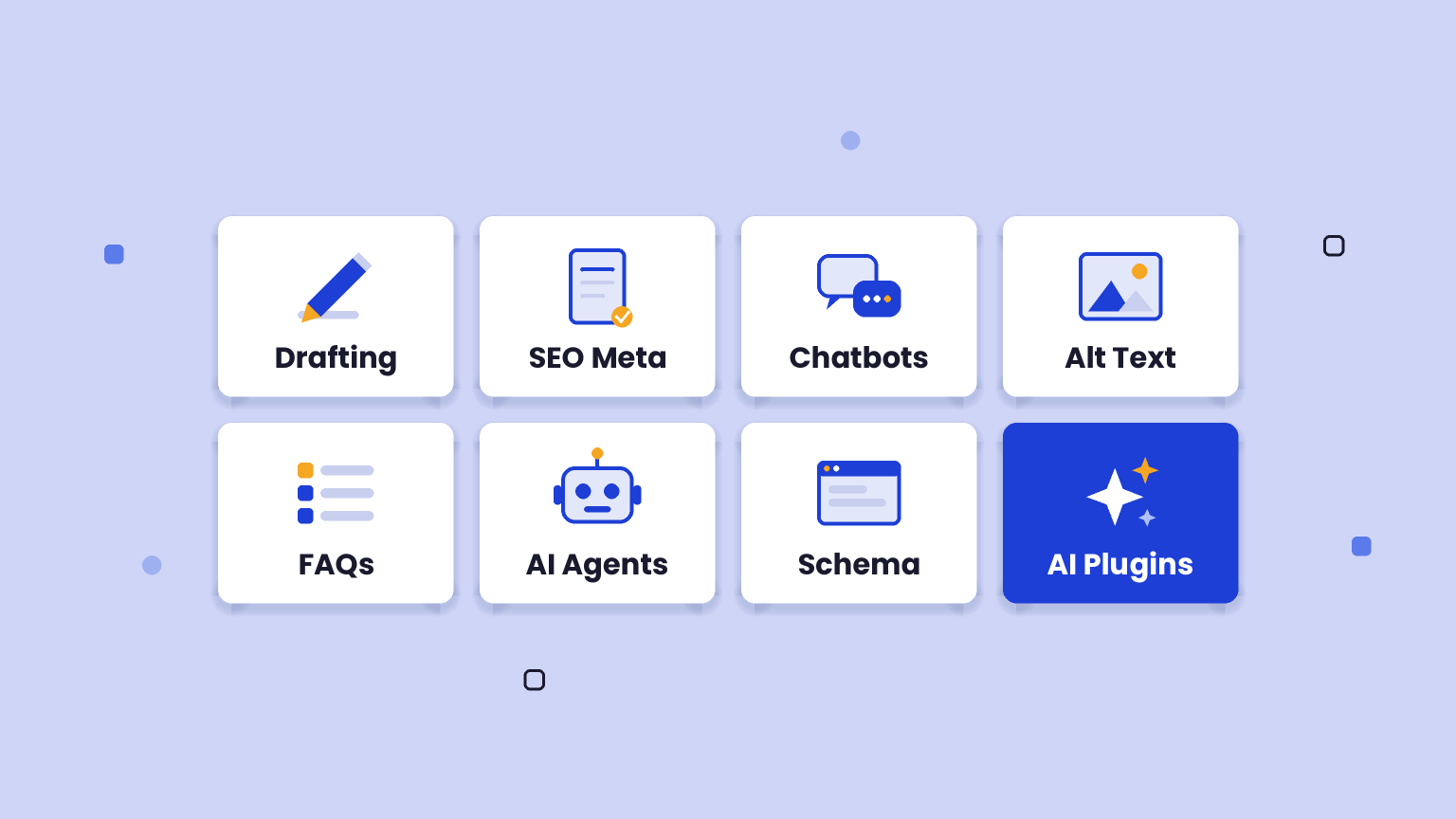
AI WordPress plugins remove that loop. They put AI inside the editor, so you can draft sections, generate SEO titles in bulk, add alt text to every image, and even let assistants like Claude or ChatGPT work on your site directly.
This matters for more than speed. Clean metadata, structured data, FAQs and descriptive alt text all help Google and AI search tools understand and cite your posts. Below are the 7 best options in 2026, with prices checked on the official sites in November 2026.
Quick answer: top picks at a glance
- Best overall: Rank Math with Content AI, for SEO plus 40+ AI writing tools in one plugin.
- Best for teams: Yoast SEO Premium, with AI metadata in bulk and extra seats for writers.
- Best for AI search extras: All in One SEO (AIOSEO), with AI FAQs, key points and an llms.txt generator.
- Best free option: AI Engine, for chatbots and connecting Claude or ChatGPT to your site.
- Best budget AI writer: GetGenie, with a free plan of 2,500 AI words a month.
- Best for image SEO: AltText.ai, which writes alt text for your whole media library.
AI WordPress Plugins Compared
|
SEO plus 40+ AI writing tools |
$5.59/month |
|||
|
Teams and AI metadata in bulk |
||||
|
AI summaries, FAQs, llms.txt |
$49.50 first year |
|||
|
Chatbots and MCP for Claude/ChatGPT |
||||
|
Budget AI writer with SEO |
$5.50/month |
|||
|
AI agents plus site toolkit |
$29/month |
|||
Prices checked November 2026. Several vendors are running Black Friday discounts right now, so renewal prices can be higher than the first year.
1. Rank Math (with Content AI)
Best for: blogs that want one plugin for SEO, AI writing and internal linking.
Rank Math is a WordPress SEO plugin with more than 4 million active installs on WordPress.org. Its paid Content AI add-on brings AI writing and research tools straight into the block editor and Classic Editor.
- 40+ AI tools: templates for blog outlines, paragraphs, SEO meta, FAQs, product descriptions and more.
- RankBot: a built-in AI assistant you can ask for ideas and edits while you write.
- Competitor research: keyword, question and link suggestions based on what already ranks.
- 30 languages: generate content for blogs that publish in more than one language.
- AI Link Genius: AI-powered internal linking, which needs Rank Math PRO plus a Content AI subscription.
How it helps your blog: a marketer can research a keyword, draft a section, write the meta description and add FAQs without leaving the post. That keeps on-page SEO consistent even when several people write.
Pros: very strong free SEO plugin, AI tools sit where you write, PRO covers unlimited personal sites.
Cons: Content AI is a separate subscription with usage limits per tool, and the number of settings can feel heavy for beginners.
Pricing: the core plugin is free. Rank Math PRO is $5.59 a month billed annually during its current Black Friday sale (normally $8.99). Rank Math’s own comparison table lists Content AI at $71.88 a year, and a free trial of Content AI is available.
2. Yoast SEO Premium
Best for: content teams that want AI included in one flat price.
Yoast SEO runs on more than 10 million WordPress sites. Its WordPress.org listing now says all AI tools are included with no hidden fees, and Premium adds the deeper AI features.
- AI metadata in bulk: filter pages missing titles or descriptions, let AI draft them, then approve. Nothing saves until you review it.
- Content Planner: start new posts from a draft instead of a blank page.
- Schema aggregation: collects your structured data into one graph so AI agents can read it in a single request.
- AI bot blocker: choose which AI systems may use your content for training.
- Bundled add-ons: Local SEO, Video SEO and News SEO are now included in Premium.
How it helps your blog: it is the safest choice when editors or freelancers publish for you. The review step on AI suggestions keeps quality control with your team.
Pros: simple pricing, careful review flow, strong structured data for search and AI systems.
Cons: one subscription covers one site, and there is no long-form AI writer like Rank Math’s.
Pricing: Yoast SEO is free. Premium costs $118.80 a year (ex VAT) for one site and includes one seat, with extra seats at $5 a month each.
3. All in One SEO (AIOSEO)
Best for: blogs that want quick AI summaries, FAQs and social posts for every article.
AIOSEO is a WordPress SEO plugin with more than 2 million active installs. Its AI Content Generator creates supporting content from the post you already wrote.
- Key points: AI pulls the main takeaways into a TL;DR section, which suits featured snippets and AI Overviews.
- FAQs and emails: generate FAQ sections and email copy from the same article.
- Social posts: tailored posts for LinkedIn, Facebook, X and Instagram.
- AI bulk actions: update SEO titles and meta descriptions across the whole site.
- Extras: AI Image Generator, AI Assistant and an LLMs.txt generator.
How it helps your blog: one finished post turns into a summary, FAQs and a social post in a few clicks, so promotion stops being a separate job.
Pros: very practical AI outputs, good fit for marketing teams, many plan sizes.
Cons: renewals cost roughly double the first-year price, and AI usage limits are not clearly shown on the pricing page.
Pricing: a free version exists. Paid plans start at $49.50 for the first year (Basic, 1 site), then Plus at $99.50 (3 sites), Pro at $199.50 (10 sites) and Elite at $299.50 (100 sites). AIOSEO says Basic renews at $99 a year.
4. AI Engine
Best for: chatbots, flexible AI providers and letting Claude or ChatGPT manage your site.
AI Engine by Meow Apps has more than 90,000 active installs and a 4.9 average rating on WordPress.org. It is a toolkit rather than a single feature.
- Chatbots: popup, inline or full screen, with voice and file uploads.
- Any AI provider: OpenAI, Anthropic (Claude), Google, Mistral, Perplexity and OpenRouter, with no markup on tokens.
- Free MCP server: Claude and ChatGPT can read, edit and manage your site through plain conversation.
- AI writing: content and image generation inside WordPress.
- Pro knowledge base: embeddings let the chatbot answer from your own posts and PDFs.
How it helps your blog: visitors can ask a chatbot trained on your articles, and your team can ask Claude to draft posts or fix metadata directly on the site.
Pros: generous free version, no provider lock-in, very active development.
Cons: you need your own API keys and pay the AI provider separately, and the setup suits technical users better than beginners.
Pricing: the plugin is free. AI Engine Pro starts at $59 a year. API usage is billed by your AI provider.
5. GetGenie
Best for: small teams that want an AI writer with SEO research inside WordPress on a budget.
GetGenie is an AI SEO assistant and content writer with more than 70,000 active installs on WordPress.org.
- 40+ templates: blog wizard, intros, outlines, product copy and more.
- NLP keyword research: suggests terms to include based on competing pages.
- AEO and GEO features: aims to shape content for answer engines and AI search.
- 33+ languages: plus a built-in chatbot for quick questions.
How it helps your blog: a founder writing one or two posts a week can research, outline and draft in one place for less than most standalone AI writers cost.
Pros: real free plan, low annual prices, SEO and writing together.
Cons: monthly word limits, and AI drafts still need human editing and fact checking.
Pricing: the free plan includes 2,500 AI words a month with no card required. Paid plans with annual billing (currently 45% off) are Starter at $5.50 a month (20K words), Writer at $10.45 (60K), Pro at $26.95 (400K) and Agency at $54.45 (1M). Monthly billing starts at $9 a month.
6. Jetpack AI
Best for: sites already using Jetpack that want AI agents and an editor assistant in one suite.
Jetpack comes from Automattic, the company behind WordPress.com, and has more than 3 million active installs.
- AI agents: connect ChatGPT, Claude or another MCP agent to run tasks on your site, free for a limited time.
- Safe permissions: the agent never gets more access than your WordPress role, and every action shows in an activity log.
- Editor AI: writes drafts, fixes grammar, optimizes titles and makes images while you write.
- Drafts first option: on a live site, ask the agent for drafts so nothing publishes without you.
How it helps your blog: you can ask an assistant to find pages with an old price or outdated stat and fix them, which keeps older posts accurate for search and AI answers.
Pros: trusted vendor, strong logging and permission controls, bundled with backups and security.
Cons: only 20 free editor AI requests that do not renew, and the bundles are pricey if you only want AI. Its WordPress.org rating (about 3.7 out of 5) is lower than the others here.
Pricing: AI agents are free for now. Jetpack AI is included in Jetpack Pro ($29 a month, billed $348 yearly) and Jetpack Complete ($49 a month, billed $588 yearly). A standalone Jetpack AI plan also exists.
7. AltText.ai
Best for: fixing missing alt text across a large media library.
AltText.ai automatically writes descriptive alt text for images. Its WordPress plugin has more than 20,000 active installs.
- Automatic alt text: new uploads get alt text without manual work.
- Bulk processing: run it over existing images, from 100 to 100,000.
- Credits roll over: unused credits carry over when your plan renews.
- Other platforms: Shopify app and browser extensions too.
How it helps your blog: alt text improves accessibility and gives search engines and AI tools a text description of each image, which most older blogs are missing.
Pros: does one job well, cheap entry plan, flexible credit packs.
Cons: only handles images, and generated alt text should be spot checked for product names and context.
Pricing: 25 images free. Bronze is $5 a month for 100 credits ($49 a year), Silver $19 a month for 500 credits and Gold $59 a month for 2,000 credits. Credit packs cost $3 for 50.
How to Choose an AI WordPress Plugin
- Start with your SEO plugin. Rank Math, Yoast and AIOSEO all include AI now. Use the AI in the one you already run before adding another plugin.
- Check usage limits, not just price. Word counts, credits and request limits decide the real cost when you publish often.
- Keep a human review step. Pick tools that let you approve AI changes before they go live.
- Think about AI agents. If your team already works in Claude or ChatGPT, an MCP connection (AI Engine or Jetpack) can save more time than an in-editor writer.
- Watch renewals. Many plugins discount the first year, so compare renewal prices.
FAQs
What is the best AI WordPress plugin?
For most blogs, Rank Math with Content AI is the best all-round choice because it combines SEO and 40+ AI writing tools in one plugin. Teams that want a simple review flow may prefer Yoast SEO Premium.
Are there free AI WordPress plugins?
Yes. AI Engine is free (you pay your AI provider for API usage), GetGenie has a free plan with 2,500 AI words a month, Jetpack gives 20 free editor AI requests, and AltText.ai includes 25 free images.
Do AI WordPress plugins help with AI search visibility?
They help indirectly. Clear metadata, structured data, FAQs, key point summaries and alt text make your posts easier for Google AI Overviews, ChatGPT and Perplexity to understand, but no plugin can guarantee citations.
Can I connect ChatGPT or Claude to my WordPress site?
Yes. AI Engine includes a free MCP server, and Jetpack AI agents are free for a limited time. Both let Claude or ChatGPT read and edit your site within the permissions you set.
Is AI-generated content bad for SEO?
Not by itself. Google says it rewards helpful, high-quality content however it is produced, so edit and fact check AI drafts before you publish.
Should I use more than one AI SEO plugin?
No. Run one SEO plugin (Rank Math, Yoast or AIOSEO) to avoid conflicts, then add specialized tools like AI Engine or AltText.ai alongside it.
Conclusion
For most blogs, the AI inside your SEO plugin is the best first step: Rank Math for the most AI tools, Yoast for teams, AIOSEO for summaries and FAQs. Add AI Engine if you want a chatbot or a Claude connection, and AltText.ai to fix image SEO.
Next, see our picks for AI content optimization tools, AI internal linking tools and AI visibility tools.
Disclosure: some links in this post are affiliate links. If you buy through them, we may earn a commission at no extra cost to you.