


A blog in one language reaches only the people who read that language. CSA Research surveyed 8,709 consumers in 29 countries and found that 76% prefer to buy products with information in their own language, and 40% will not buy from websites in other languages.
Translating a business blog used to mean hiring translators for every post. AI changed that. Today’s AI translation tools can translate a whole site in minutes, keep it updated as you publish, and create language versions that Google and AI assistants like ChatGPT and Perplexity can find and cite.
Below are the 8 best AI translation tools for websites and blogs in 2026, with prices checked on each official site in November 2026.
Quick answer: top picks at a glance
- Best overall: Weglot, for no-code AI translation with multilingual SEO on any platform.
- Best translation quality: DeepL, for translating drafts and documents before you publish.
- Best for WordPress and WooCommerce: WPML, with 22,500 AI words on its €99 per year CMS plan.
- Best visual editor: TranslatePress, which lets you translate WordPress pages from the front end.
- Best value for many languages: Linguise, with unlimited languages from $15 per month.
- Best free start: ConveyThis, whose free plan covers 10,000 words with no time limit.
Why AI Translation Matters for Your Blog Now
Translation is no longer only a nice extra for global brands. Three changes make it worth a look for any business that blogs:
- Costs dropped: AI can translate a 2,000-word post in seconds, and most tools include thousands of AI-translated words in their plans.
- Each language is a new search market: Google recommends using different URLs for each language version of a page, with hreflang annotations, so each version can rank on its own.
- AI assistants answer in the user’s language: a translated, indexable page gives ChatGPT, Gemini and Google AI Overviews a page to cite when someone asks in Spanish, French or German.
- Readers trust their own language: CSA Research found that 65% of consumers prefer content in their language even if the quality is poor, so good quality wins even more.
One warning: Google says it uses the visible content of a page to decide its language, and it advises against translating only the boilerplate while keeping the main content in one language. Translate the full post, not just the menu.
|
No-code site translation with multilingual SEO |
Yes (2,000 words, 1 language) |
||||
|
Translating drafts, documents and briefs |
Yes (50,000 characters/mo) |
€7.49/mo (Individual, yearly) |
|||
|
Full WordPress sites, WooCommerce and page builders |
€39/yr (Blog), €99/yr with AI |
||||
|
Translating WordPress visually from the front end |
|||||
|
Translating into many languages on a budget |
|||||
|
Unlimited words at a flat monthly price |
|||||
|
Small sites that want a free start |
Yes (10,000 words, 1 language) |
||||
|
Hand-crafted translations with DeepL help |
Yes (free Polylang plugin) |
Prices checked November 2026. Prices are shown in the currency each company lists and can change, so confirm on each official site.
1. Weglot
Best for: marketing teams that want their whole site and blog translated in minutes, on almost any platform.
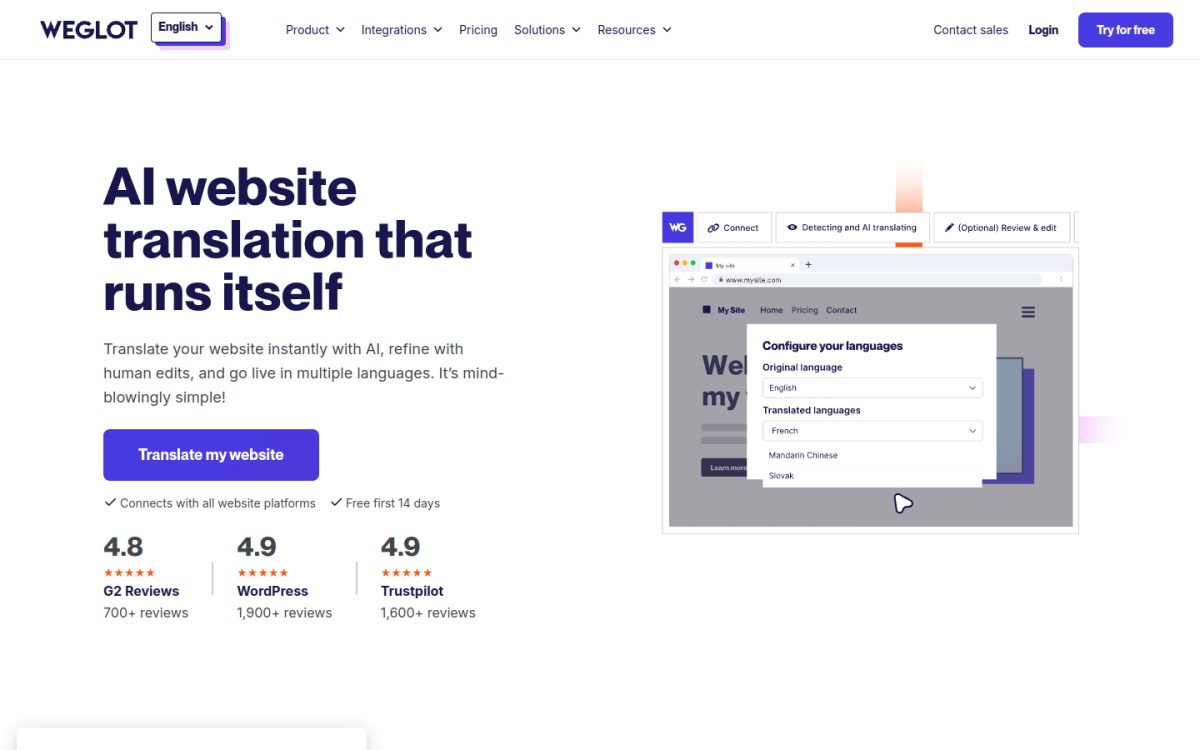
Weglot is a cloud website translation service that works with WordPress, Shopify, Webflow, Wix, Squarespace and custom sites. You connect your site, pick languages, and Weglot detects and translates your content automatically with AI.
Every plan includes AI translation, a visual editor, glossary rules and multilingual SEO with language-specific URLs. Weglot now describes this as “Multilingual SEO & GEO”, meaning it aims to make translated pages visible in AI answers as well as Google.
Key features
- AI translation with editing control: review and edit any automatic translation in a list or visual editor.
- Glossary rules: set terms to “always translate” or “never translate”, useful for product and brand names.
- Multilingual SEO: subdomain or subdirectory URLs, so each language version can be indexed.
- Translated URLs: slug translation (for example /about to /fr/a-propos) from the Pro plan.
- Tone of voice and translation memory: formal or informal tone on Advanced, translation memory on Extended.
How it helps your blog with AI
Weglot suits a business blog that publishes often. New posts are picked up and translated automatically, so your Spanish or German readers see fresh content the same day. Use the glossary to keep product names consistent, then have a native speaker review only your top pages.
Pros
-
Setup takes minutes and needs no code -
Works on almost every website platform -
AI translation, glossary and multilingual SEO on every plan, even Free
Cons
-
Word limits are fixed totals across all languages, so costs climb as your blog grows -
Translated URLs need the Pro plan at €79 per month -
Prices are in euros and exclude VAT
Pricing
Free: 2,000 words and 1 language. Starter: €15/mo (10,000 words, 1 language). Business: €29/mo (50,000 words, 3 languages). Pro: €79/mo (200,000 words, 5 languages). Advanced: €299/mo and Extended: €699/mo. Paying yearly gives 2 months free, and paid plans start with a 14-day free trial.
2. DeepL
Best for: content teams that write in one language and want high quality translations of drafts, documents and briefs before publishing.
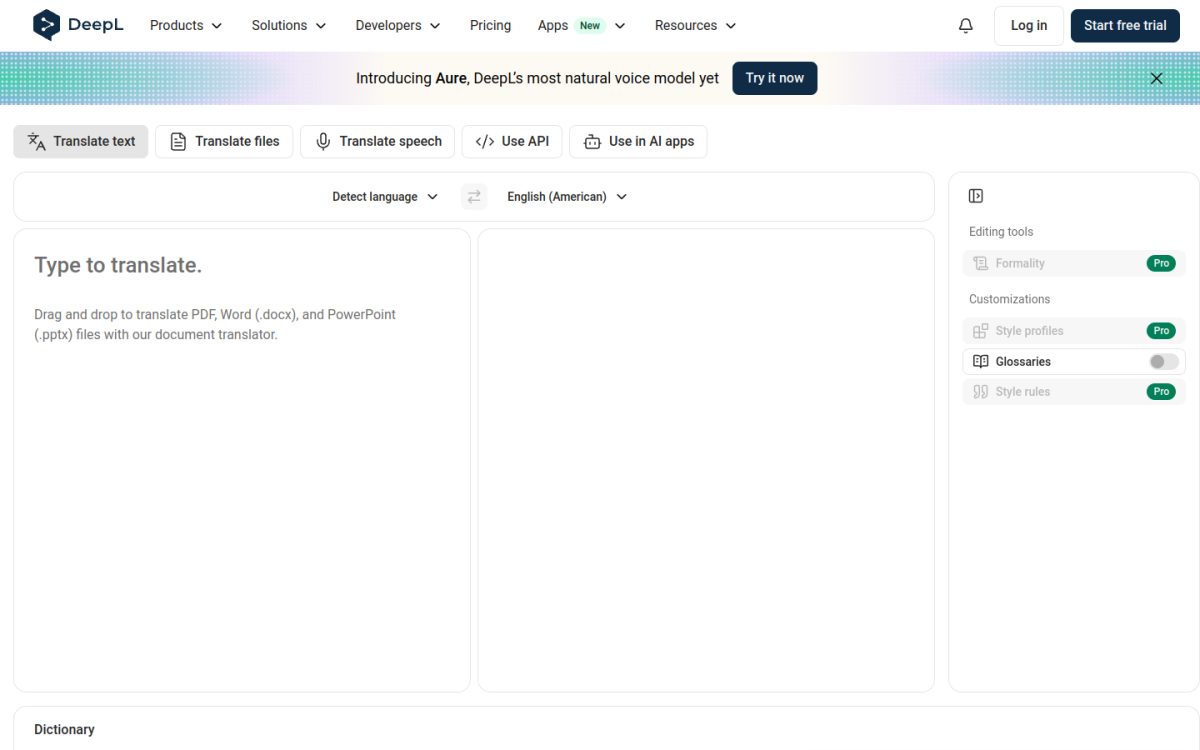
DeepL is an AI translator known for natural sounding output. It is not a website plugin by itself: you paste text or upload files (Word, PowerPoint, PDF) and get a translation you can edit and publish.
Many website tools on this list, including WPML, TranslatePress and Polylang Pro, can use DeepL as their translation engine. DeepL is also available inside ChatGPT, Claude and Microsoft Copilot through MCP, according to its own site.
Key features
- Text and file translation: translate full Word, PowerPoint, Excel and PDF files and keep the formatting.
- Glossaries: 1 glossary on Individual, 5 on Team and unlimited on Business.
- Formal or informal tone: choose the tone for supported languages.
- No data training on Pro: DeepL says Pro content is never used to train its models.
- Write Pro add-on: an AI writing assistant to polish text, for €6.99 per user per month (yearly).
How it helps your blog with AI
Use DeepL when you want control before anything goes live. Translate a finished blog post, have a native speaker edit it, then publish it as a separate page in your CMS. It is also a good engine to plug into a WordPress translation plugin.
Pros
-
Very natural translations in many language pairs -
Generous free version for occasional use -
Pro plans promise no training on your content
Cons
-
Not a website translation system on its own, so you still need a plugin or manual publishing -
Individual allows only 3 file translations per month -
Team administration and SSO add cost per user
Pricing
Free: 50,000 characters per month. Individual: €7.49/mo billed yearly (300,000 characters). Team: €24.99/user/mo (1,000,000 characters per user). Business: €49.99/user/mo (unlimited characters under fair use). Enterprise is custom. Individual and Team include a 30-day free trial. Prices shown are for Germany and include VAT, so your local price may differ.
3. WPML
Best for: businesses running WordPress, especially WooCommerce stores and sites built with page builders.
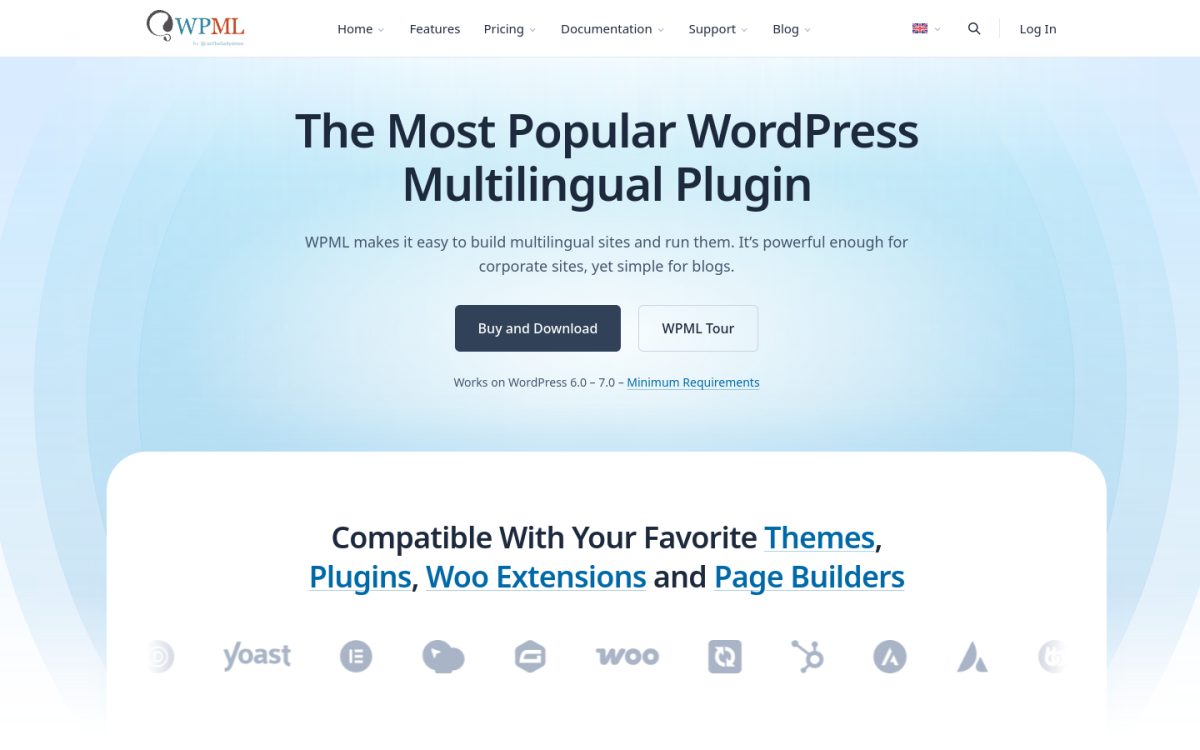
WPML is the most established multilingual plugin for WordPress. It translates posts, pages, menus, theme and plugin text, and WooCommerce products, and stores every translation in your own database.
Its AI translation engine, PTC, is included with the CMS and Agency plans. You can also connect DeepL, Google Translate or Microsoft Translator instead.
Key features
- AI translation words included: 22,500 words on Multilingual CMS and 45,000 on Agency, topped up at each renewal.
- Advanced Translation Editor: side by side editing of AI translations.
- Page builder and Site Editor support: translate Elementor designs, Gutenberg templates, headers and footers.
- WooCommerce support: translate products, categories and checkout pages.
- Translation management: work with your own translators or partner agencies.
How it helps your blog with AI
If your business blog lives inside a larger WordPress site, WPML keeps everything in one system. You can let AI translate older posts in bulk, then send key pages to a human translator from the same dashboard.
Pros
-
Covers almost every part of a WordPress site -
Translations stay in your database, even if you stop paying -
30-day money-back guarantee
Cons
-
The €39 Blog plan has no AI translation, so most teams need CMS at €99 per year -
Included AI words are modest for big blogs -
More settings to learn than simpler plugins
Pricing
Multilingual Blog: €39/yr (1 site, no AI translation). Multilingual CMS: €99/yr (3 sites, 22,500 AI words). Multilingual Agency: €199/yr (unlimited sites, 45,000 AI words). All plans include a year of support and updates and a 30-day money-back guarantee.
4. TranslatePress
Best for: WordPress site owners who want to translate exactly what visitors see, without digging through settings.
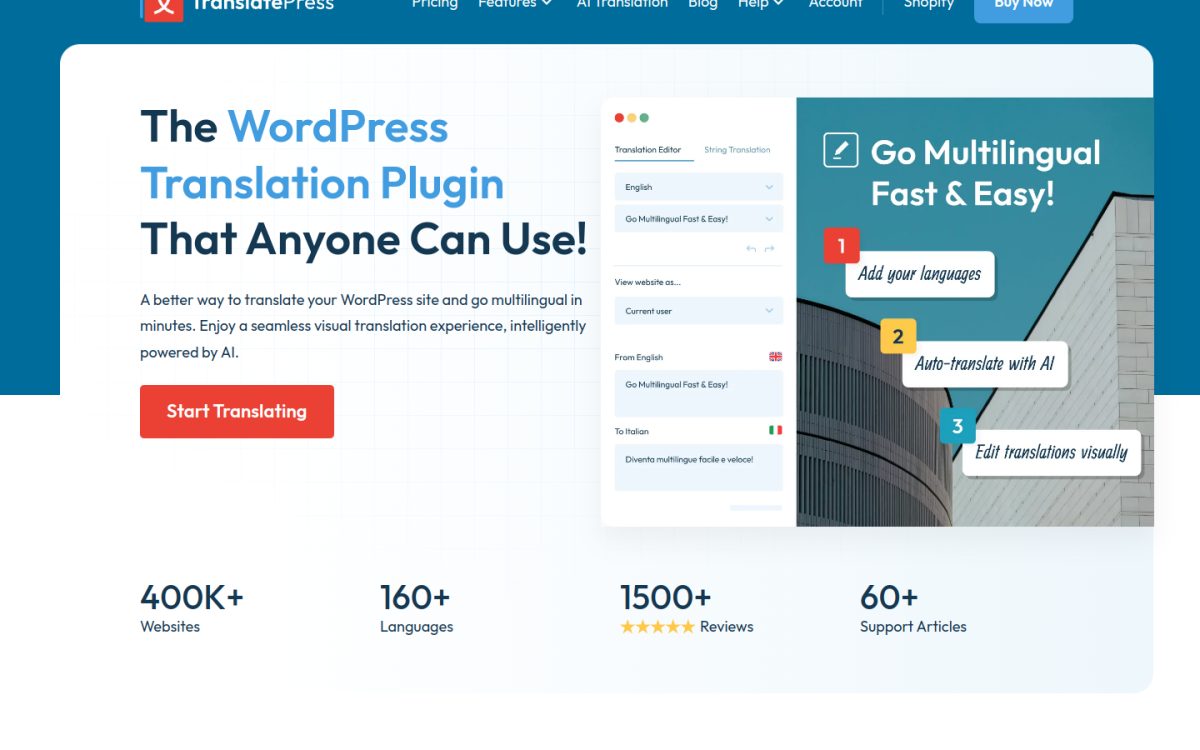
TranslatePress lets you translate a WordPress site from the front end: you click any text on the page and edit its translation in place. Translations are stored in your own database.
Paid licenses include TranslatePress AI, which the company says combines LLMs such as Gemini and GPT with machine translation engines such as DeepL and Google Translate, and picks the best engine for each language pair.
Key features
- Visual translation editor: translate pages, menus and widgets exactly as they appear.
- TranslatePress AI words: 50,000 on Personal, 200,000 on Business and 500,000 on Developer.
- SEO Pack add-on: translate slugs, meta titles and descriptions.
- Translation glossary: keep brand and product terms consistent.
- Extra AI word packs: for example 100,000 words for €24.
How it helps your blog with AI
TranslatePress makes it easy for a marketer to fix AI wording on a landing page or blog post without a developer. Start with AI for the full site, then polish the pages that bring in leads.
Pros
-
Very easy front-end editing -
Translations stay on your site after the license expires -
Generous AI word allowance on higher plans
Cons
-
DeepL and automatic language detection need the Business plan -
You need your own API key to use Google or DeepL directly -
Only a 15-day refund window
Pricing
A free version is available on WordPress.org. Personal: €99/yr (1 site, 50K AI words). Business: €199/yr (3 sites, 200K AI words). Developer: €349/yr (unlimited sites, 500K AI words). Licenses renew yearly, with a 15-day money-back guarantee.
5. Linguise
Best for: businesses that want to reach many markets at once without paying per language.
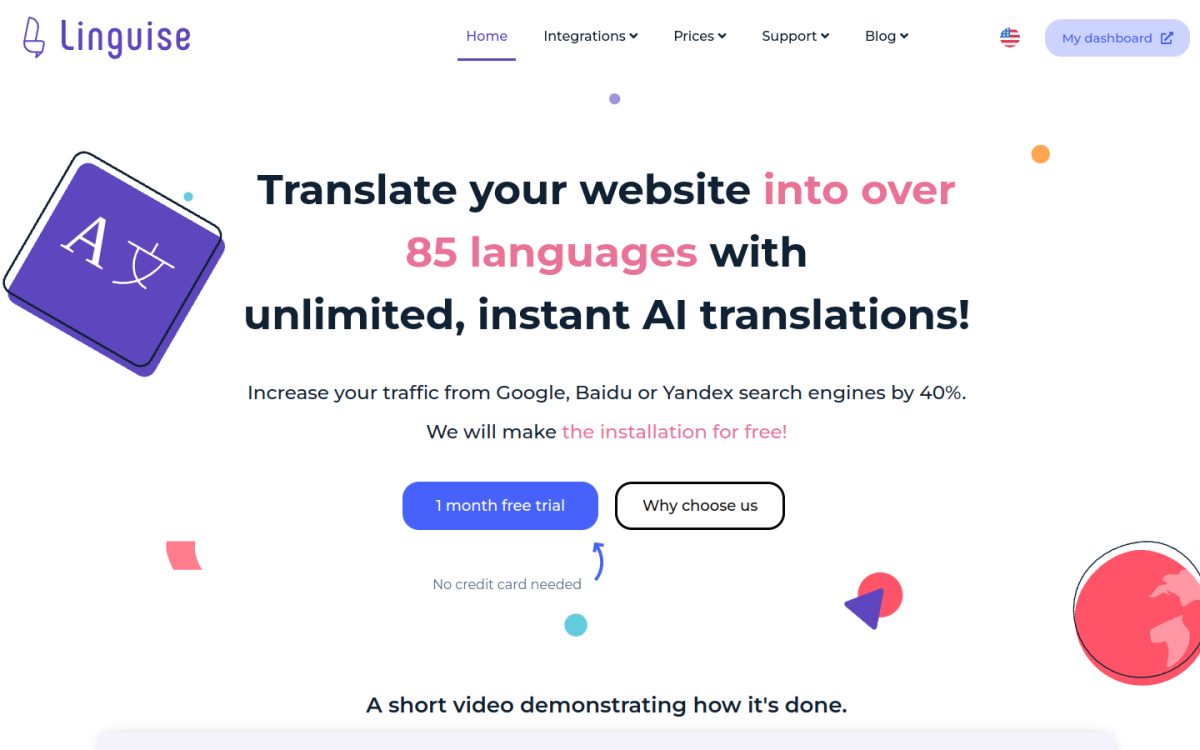
Linguise is a cloud translation service with plugins for WordPress, Shopify, Webflow, Wix, Squarespace, Joomla and a JavaScript option for other sites. It translates content automatically with what it calls cloud AI translation.
Pricing is based only on translated words. Every plan allows unlimited languages (80+ available) and unlimited translated page views.
Key features
- Unlimited languages: no extra charge for adding languages, only for words translated.
- Front-end editor: translators can edit automatic translations without using your word quota.
- Content exclusion rules: skip parts of the site, such as a blog archive, to save words.
- Free month: translate up to 600,000 words in the first month, with no credit card.
- Multi-site discounts: 10% to 30% off when you run several domains.
How it helps your blog with AI
If you want to test demand in several countries, Linguise lets you switch on many languages and watch which ones bring traffic, without upgrading your plan for each language.
Pros
-
Unlimited languages and page views on every plan -
Low prices with a generous free trial
Cons
-
New translations stop when you hit your word quota -
No free plan after the trial
Pricing
Start: $15/mo (200,000 words). Pro: $25/mo (600,000 words). Large: $45/mo (unlimited words under fair use). Yearly plans cost $165, $275 and $495. The first month is free on Start and Pro.
6. GTranslate
Best for: content-heavy sites that want unlimited translated words at a predictable price.
GTranslate offers a free language switcher widget plus paid plans that act as a translation proxy. Paid plans host translated versions of your site on language-specific URLs so search engines and AI answer engines can index them.
Paid plans use AI translation with no extra fees for automatic translations, and all plans list unlimited words and page views.
Key features
- Unlimited words and page views: on every plan, including Free.
- Search and LLM indexing: translated pages get their own URLs on paid plans.
- Inline editor: edit translations in context on paid plans.
- URL translation: translated slugs from the Business plan.
- Language hosting: country domains such as example.fr on Enterprise.
How it helps your blog with AI
A big blog archive can burn through word quotas on other tools. GTranslate removes that worry, so you can translate hundreds of older posts and let them earn search and AI traffic in other languages.
Pros
-
Unlimited words on all plans -
Simple flat monthly pricing -
15-day free trial and 30-day refund window
Cons
-
The free version does not create indexable pages, so it gives no SEO benefit -
URL translation needs Business at $35 per month -
Less control over AI tone and glossary than Weglot or WPML
Pricing
Free: $0 (no commercial use or indexing). Custom: $12/mo. Startup: $25/mo. Business: $35/mo (adds URL translation). Enterprise: $50/mo (adds language hosting). Yearly billing gives 2 months free.
7. ConveyThis
Best for: small businesses that want a no-code, Weglot-style setup at a lower price.
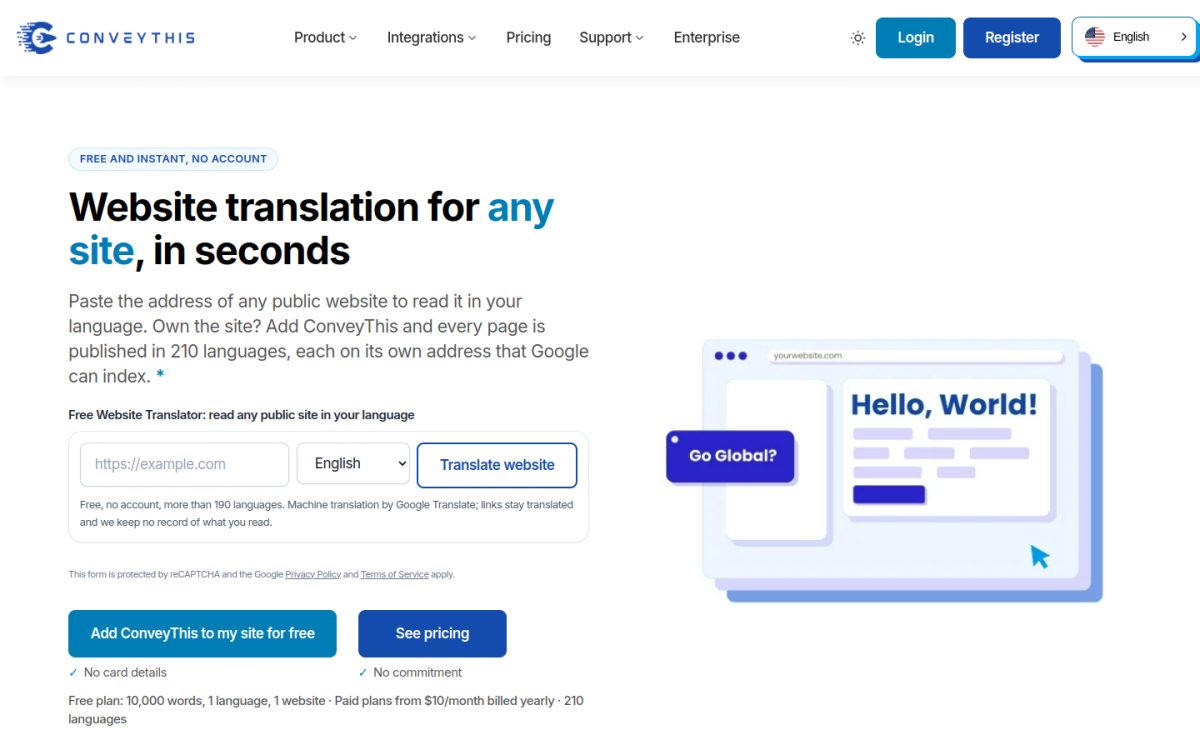
ConveyThis is a no-code website translator with integrations for WordPress, Shopify, Wix, Webflow, Squarespace and 35+ platforms. It uses automatic machine translation that you can edit, and you can order human translations from the dashboard.
It handles multilingual SEO details such as hreflang tags, translated meta titles and descriptions, and translated JSON structured data.
Key features
- Visual editor: click any element and edit its translation.
- Glossary: decide which brand terms stay untranslated.
- Multilingual SEO: hreflang, dedicated language URLs and translated structured data.
- Human translation option: order professional proofreading when you need it.
- AI agents and MCP: ConveyThis lists MCP support for AI agents on its site.
How it helps your blog with AI
For a small company blog adding its first language, ConveyThis offers a free plan with no time limit, so you can test translated traffic before you pay anything.
Pros
-
Free plan with no card and no time limit -
Lower entry price than Weglot -
Translates structured data, which helps rich results
Cons
-
Page view limits on every plan -
Only 1 language on Free and Starter -
Refund requests only within 7 days
Pricing
Free: 10,000 words, 1 language, 2,500 page views a month. Starter: $10/mo billed yearly or $12 monthly (60,000 words). Business: $20/mo yearly (200,000 words, 3 languages). Pro: $53.33/mo yearly (800,000 words, 5 languages, 3 domains). Larger plans go up to $800 per month.
8. Polylang Pro
Best for: WordPress teams that prefer to write or review each translation themselves, with DeepL as a helper.
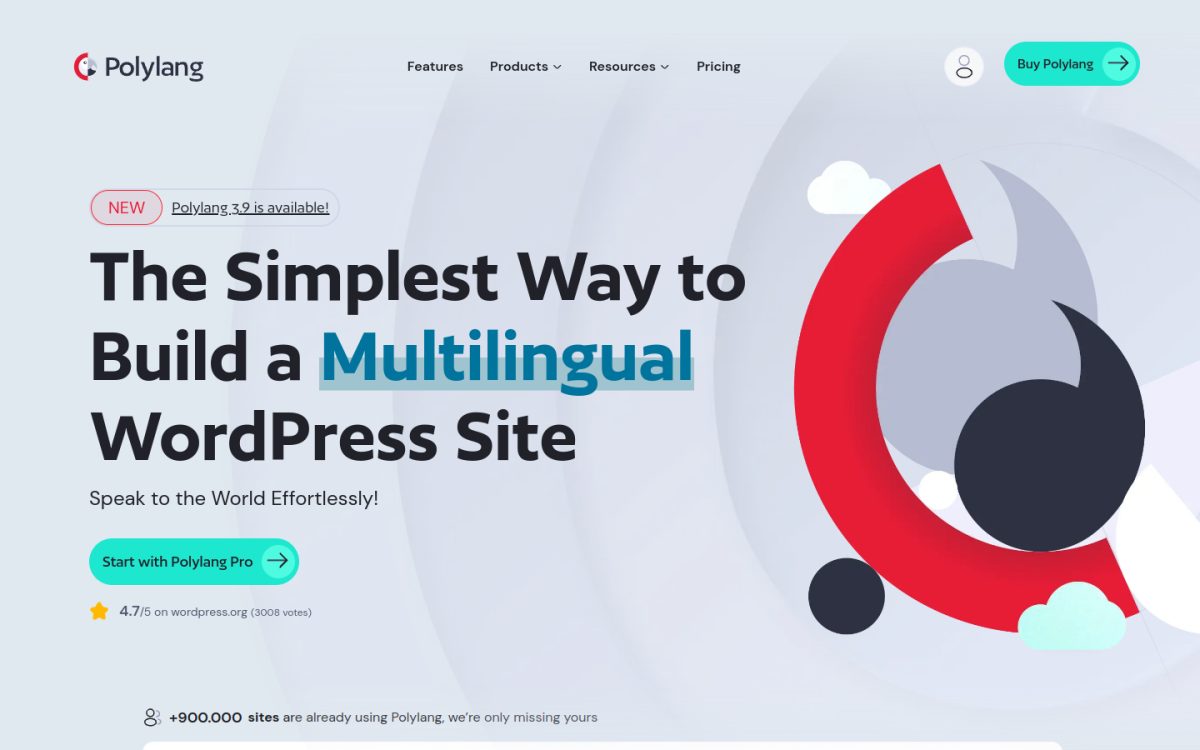
Polylang Pro is the premium version of Polylang, a popular free multilingual plugin for WordPress. You create a separate post for each language and link them together, which gives you full control over every translation.
Polylang Pro adds a DeepL integration so you can translate a post automatically in the editor and then refine it. You need your own DeepL API key.
Key features
- DeepL machine translation: translate content inside the post editor (not compatible with Elementor, per Polylang).
- Translated slugs: translate URLs for custom post types and taxonomies.
- Site Editor support: translate block theme templates.
- XLIFF import and export: send content to outside translators.
- Flexible URLs: subdirectories, subdomains or separate domains per language.
How it helps your blog with AI
Polylang Pro is a good fit when each language needs its own angle, such as localized examples or different calls to action. AI gives you a first draft, and your team adapts it for each market.
Pros
-
Free core plugin with a large user base -
Full control over each translated post -
50% renewal discount on licenses
Cons
-
No built-in AI word allowance; DeepL API usage is billed by DeepL -
More manual work than fully automatic tools -
DeepL integration does not work with Elementor
Pricing
Polylang is free on WordPress.org. Polylang Pro: from €99/yr. Polylang Business Pack: from €139/yr (currently reduced from €198) adds Polylang for WooCommerce. Prices exclude VAT, renewals get 50% off, and there is a 30-day refund policy.
Start with where your blog lives and how much control you need. Then check these points:
- Platform: on WordPress, plugins like WPML, TranslatePress and Polylang Pro keep translations in your own database. On Shopify, Webflow or Wix, a cloud tool like Weglot, Linguise or ConveyThis is easier.
- Pricing model: Weglot and ConveyThis charge by total words, Linguise and GTranslate are friendlier to large archives, and WordPress plugins charge yearly per site.
- SEO and AI visibility: make sure each language gets its own indexable URL with hreflang tags. Free widget-only versions (like GTranslate Free) do not create indexable pages.
- Quality control: look for a glossary and an editor so you can fix brand terms and review your top pages by hand.
- Data handling: if you translate sensitive drafts, check policies such as DeepL’s no data training promise on Pro plans.
A simple path for most teams: pick one tool with a free plan or trial, translate your 10 best performing posts into one language, and watch traffic for a month before expanding.
What is the best AI translation tool for a website?
Weglot is the best overall AI translation tool for most websites because it works on almost any platform, needs no code and includes multilingual SEO on every plan. On WordPress, WPML and TranslatePress are strong choices that store translations in your own database.
Is AI translation good enough to publish without editing?
AI translation is good enough for most informational blog content in common languages, but you should have a native speaker review your most important pages. Use a glossary so product and brand names stay correct.
Does translating my blog help SEO?
Yes, if each language version has its own URL. Google recommends separate URLs per language with hreflang annotations, so each version can rank for searches in that language.
Can AI assistants like ChatGPT cite translated blog posts?
Yes. When a translated page is indexable and answers the question clearly, AI assistants can cite it for people asking in that language. A page that exists only in English gives them less to work with.
Is there a free AI translation tool for websites?
Yes. Weglot Free covers 2,000 words in 1 language, ConveyThis Free covers 10,000 words in 1 language, and the free TranslatePress and Polylang plugins work on WordPress. DeepL Free translates up to 50,000 characters per month for drafts.
Final Thoughts
For most teams, Weglot is the easiest way to translate a business blog with AI, WPML is the most complete option for WordPress and WooCommerce, and DeepL gives the best quality when you want to review translations before publishing. Start with your top posts in one new language and expand once you see results.
Want to go deeper? See our guides on how to get your blog posts cited in AI search, AI content SEO tips and the best AI content repurposing tools.