


A blog only helps your business if it publishes consistently. Most teams know that, yet the content calendar is often the first thing to break: ideas live in someone’s notes, drafts sit in different folders, and nobody knows what goes live next week.
AI changed this job. In 2026, the best content calendar tools do more than show dates. They can draft briefs, fill in keywords and summaries, turn meetings into tasks and even write the social posts that promote each article. That matters because steady, well-structured publishing is what helps your blog rank on Google and get cited by ChatGPT, Google AI Overviews and Perplexity.
Below are the 8 best AI content calendar tools for planning and running a blog, with prices checked on each official site in November 2026.
Quick answer: top picks at a glance
- Best overall: StoryChief, which combines a content calendar, AI writing, CMS publishing and AI Visibility tracking.
- Best for promoting blog posts: CoSchedule, with unlimited AI social and campaign assistants on every paid plan.
- Most flexible: Notion, where each calendar entry is a full draft page and Notion Agent can autofill your plan.
- Best value all-in-one: ClickUp, with a Free Forever plan and paid plans from $9 per user per month.
- Easiest to learn: Trello, with simple boards and AI on cards from $5 per user per month.
- Best for structured team workflows: Asana, with AI Teammates and AI Studio on paid plans.
What Is an AI Content Calendar Tool?
An AI content calendar tool is software that shows your planned blog posts and other content on a schedule and uses AI to help plan, create or organize that content. Instead of a static spreadsheet, you get a living plan where AI can do some of the busywork.
Here is what that typically looks like for a business blog:
- Planning: AI suggests topics, writes briefs or fills in fields like target keyword and funnel stage.
- Production: AI drafts outlines, summaries or first drafts next to the calendar entry.
- Workflow: AI assigns tasks, turns meeting notes into action items and flags overdue posts.
- Promotion: some tools write and schedule social posts for every new article.
Some tools on this list are built for content marketing (StoryChief, CoSchedule). Others are general work platforms that many content teams use as their calendar (Notion, ClickUp, monday.com, Asana, Airtable, Trello).
AI Content Calendar Tools Compared
|
All-in-one blog planning, AI writing and publishing |
$59/mo yearly ($69 monthly) |
||||
|
Marketing calendar with AI social promotion |
Yes (15 scheduled posts, 1 profile) |
$29/mo yearly ($39 monthly) |
|||
|
Flexible docs plus database content calendar |
Yes (AI as a limited trial) |
||||
|
Budget all-in-one work platform with AI agents |
|||||
|
Visual boards with AI agents and credits |
$9/seat/mo yearly (Basic) |
||||
|
Structured workflows with AI Teammates |
Yes (Personal, up to 2 users) |
$10.99/user/mo yearly (Starter) |
|||
|
Custom content database with AI agents |
$20/user/mo yearly (Team) |
||||
|
Simple Kanban boards with light AI |
Yes (up to 10 collaborators) |
$5/user/mo yearly (Standard) |
Prices checked November 2026. Prices are in US dollars and can change, so confirm on each official site.
1. StoryChief
Best for: content teams that want one place to plan, write, publish and track blog posts with AI.
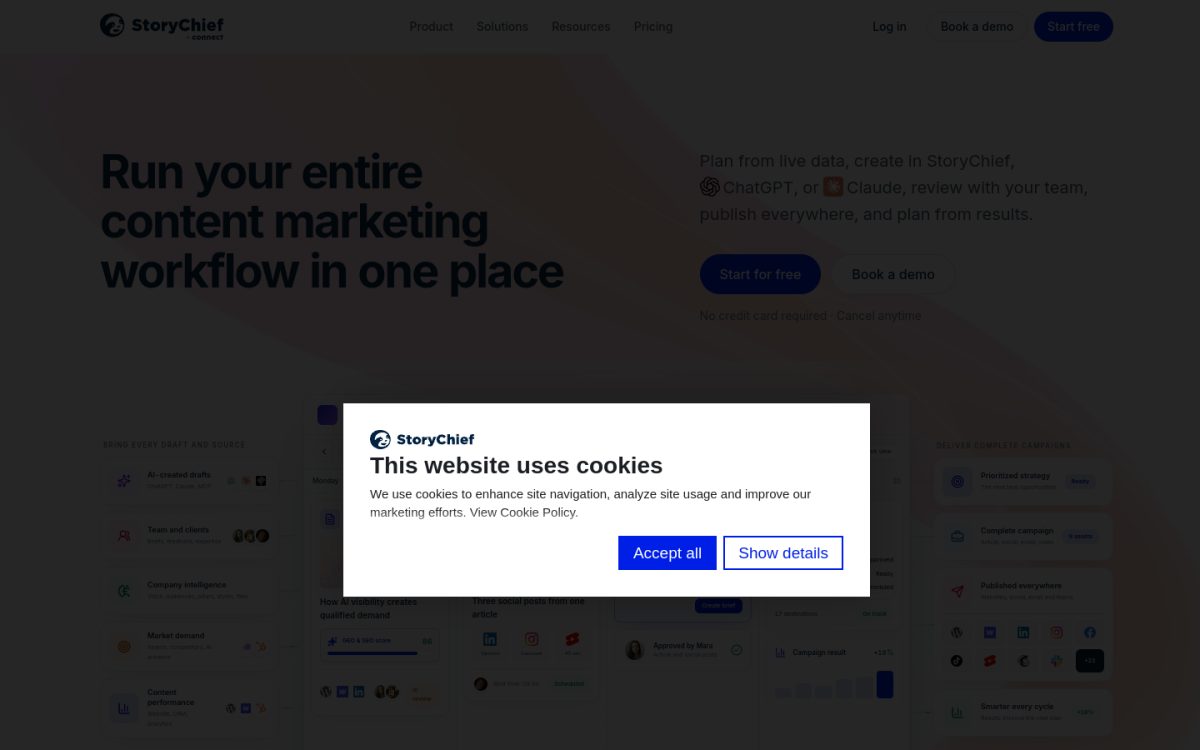
StoryChief is a content marketing platform built around a shared marketing calendar. You plan articles and social posts on the calendar, write them in a collaborative editor, collect feedback and publish straight to WordPress, Webflow, HubSpot and social channels.
Its AI marketing agent handles research, briefs and first drafts, and the Growth plan adds AI Visibility tracking that shows how your brand appears in AI answers. That makes it the closest thing to a true “AI content calendar” on this list.
Key features
- Content calendar and scheduling: plan and schedule articles and social posts on one calendar.
- AI research and writing: 15,000 AI credits per month on Starter and 25,000 on Growth.
- SEO and GEO publishing: publish SEO-ready articles to your CMS through plug-ins.
- Approval workflows and tasks: included from the Growth plan.
- AI Visibility tracking: 10 tracked AI prompts on Growth and 25 on Scale.
How it helps your blog with AI
A small marketing team can turn one content brief into a blog post, then repurpose it into social posts that sit on the same calendar. Because publishing and analytics live in the same tool, you can see which planned topics actually earned traffic and AI mentions.
Pros
-
Calendar, AI writing, publishing and analytics in one tool -
Publishes directly to WordPress and other CMSs -
Free trial needs no credit card
Cons
-
Starter allows only 25 published articles per month -
Approval workflows and AI Visibility need the $279 per month Growth plan -
Pricier than general project management tools
Pricing
Starter: $59/mo billed yearly or $69 monthly (1 user, 4 social channels, 25 articles per month). Growth: $279/mo yearly or $339 monthly (5 users, 100 articles). Scale: $449/mo yearly or $539 monthly. Agency plans start at $81 per workspace per month (yearly) and Enterprise starts from $1,000 per month.
2. CoSchedule
Best for: marketers who want a drag-and-drop marketing calendar with built-in AI for social promotion.
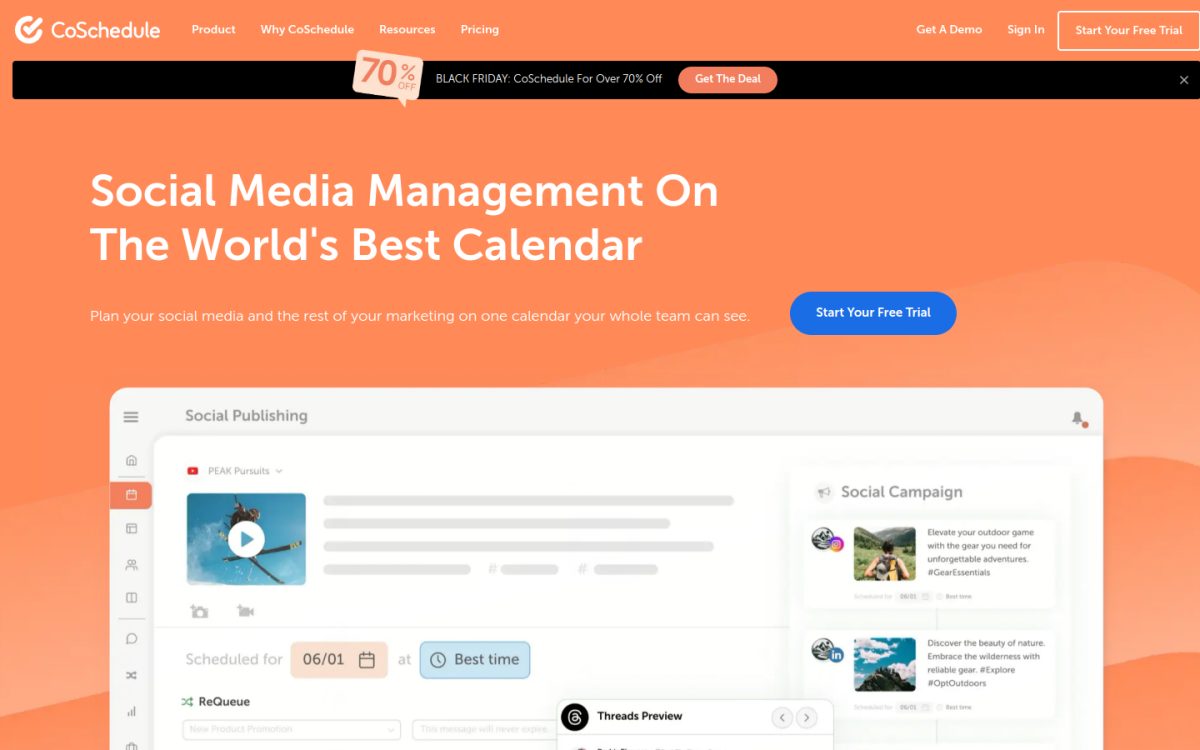
CoSchedule is a marketing calendar that started as a WordPress editorial calendar and is now positioned as social media management software built on its calendar. You can see blog posts, social messages, campaigns and tasks together and drag them to new dates.
Every paid plan includes unlimited use of its AI Social Assistant, AI Campaign Assistant and AI Project Assistant, plus a prompt library with more than 1,600 templates and a choice of OpenAI or Anthropic models.
Key features
- Drag-and-drop calendar: move a campaign launch date and its whole schedule moves with it.
- AI Campaign Assistant: drafts a full social campaign, images included, right onto your calendar.
- ReQueue: reshares evergreen posts automatically to fill gaps.
- Reusable social templates: standard promotion schedules for new blog posts.
- WordPress integration: connect your blog to the calendar on every plan.
How it helps your blog with AI
Publish a blog post, then let the AI Campaign Assistant draft a week of promotional posts for LinkedIn, X and Facebook. ReQueue keeps older evergreen articles circulating, which is useful when a small team cannot promote every post by hand.
Pros
-
Unlimited AI writing assistants on every paid plan -
Strong social promotion around each blog post
Cons
-
Starter is limited to 1 user -
Content and campaign planning features (custom fields, templates, approvals) are on the custom-priced Suite plan -
Focus has shifted toward social media more than long-form content
Pricing
Free: schedule up to 15 posts on 1 profile. Starter: $29/mo billed yearly or $39 monthly (1 user, 3 social profiles). Professional: $49/mo yearly or $59 monthly (2 users, 5 profiles). Suite: custom pricing starting at $69 per month. Paid plans have a 14-day free trial.
3. Notion
Best for: teams that want a flexible, docs-first content calendar with an AI agent built in.
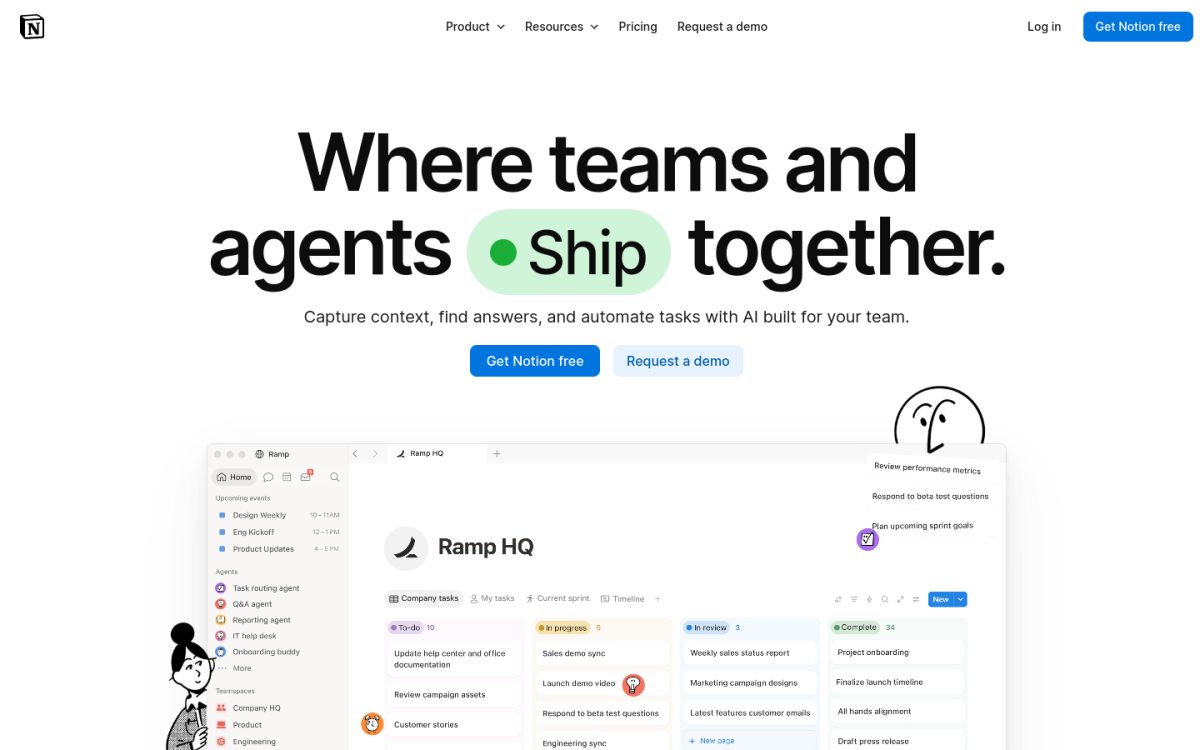
Notion combines documents and databases, so your content calendar can be a database where every row is a full draft page. Calendar, board and table views let writers, editors and founders each see the plan their own way.
Notion AI now runs as Notion Agent, which can draft docs, autofill database fields and complete multi-step tasks. Full AI access is on the Business plan; Free and Plus get a limited trial.
Key features
- Database calendars: calendar, board and table views of the same content plan.
- Notion Agent: chats, generates and edits docs, and autofills databases (Business plan).
- AI Meeting Notes: turns editorial meetings into notes and follow-ups (Business plan).
- Custom Agents: automate repetitive tasks using Notion credits ($10 per 1,000 credits).
- Forms and automations: collect topic ideas and update statuses automatically.
How it helps your blog with AI
Keep briefs, drafts, keyword notes and the publishing calendar in one workspace. Ask Notion Agent to fill in a summary, target keyword or status for every planned post, then filter the calendar to see what is due this week.
Pros
-
Very flexible; build the calendar exactly how your team works -
Strong free plan for individuals -
Drafts and the calendar live in the same place
Cons
-
Full Notion AI requires the $20 per member Business plan -
No built-in social scheduling or CMS publishing -
Takes setup time to build a good calendar system
Pricing
Free: $0 with a trial of Notion AI. Plus: $10 per member/month (yearly billing; still an AI trial). Business: $20 per member/month with Notion Agent and AI Meeting Notes. Enterprise is custom. Yearly billing saves up to 20%.
4. ClickUp
Best for: teams that want content planning, tasks and AI agents in one work platform at a low price.
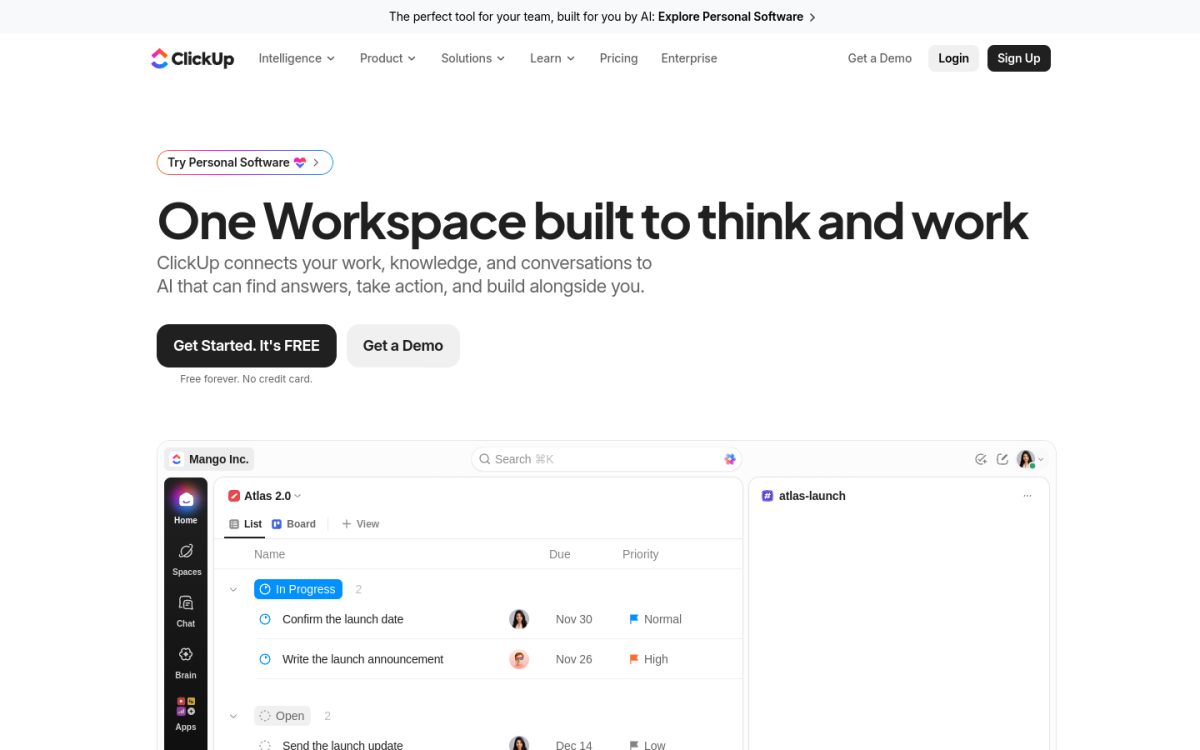
ClickUp is a project management platform with a calendar view, docs, whiteboards and automations. Many content teams use it to track every blog post from idea to published, with assignees and due dates.
Its AI layer, ClickUp Brain², is included on paid plans with a pooled monthly allowance of AI credits. Business plans get unlimited standard AI models and premium models for writing, summaries, AI Fields and Super Agents.
Key features
- Calendar, board and Gantt views: see your content pipeline by date or by stage.
- ClickUp Brain²: 1,000 AI credits per user per month on Core and 1,500 on Business (pooled).
- AI Fields and Super Agents: auto-fill task details and run AI workflows.
- Collaborative Docs: write briefs and drafts next to the tasks.
- Automations: 1,000 per month on Core and 10,000 on Business.
How it helps your blog with AI
Create a content pipeline list with stages like Idea, Draft, Edit and Published, then switch to calendar view for the publishing schedule. Brain² can summarize a draft, write subtasks for an article or fill a “target keyword” field across all planned posts.
Pros
-
Generous Free Forever plan with unlimited members -
Low price for a full work platform -
AI agents can automate repetitive content tasks
Cons
-
Steep learning curve with many features -
No native social scheduling or CMS publishing
Pricing
Free Forever: $0. Core: $9 per user/month billed yearly ($12 regular price). Business: $17 per user/month yearly ($25 regular). Enterprise: custom. Max: $100 per user/month yearly. Extra AI credits cost $10 per 10,000.
5. monday.com
Best for: growing marketing teams that want visual boards, AI credits and an AI notetaker.
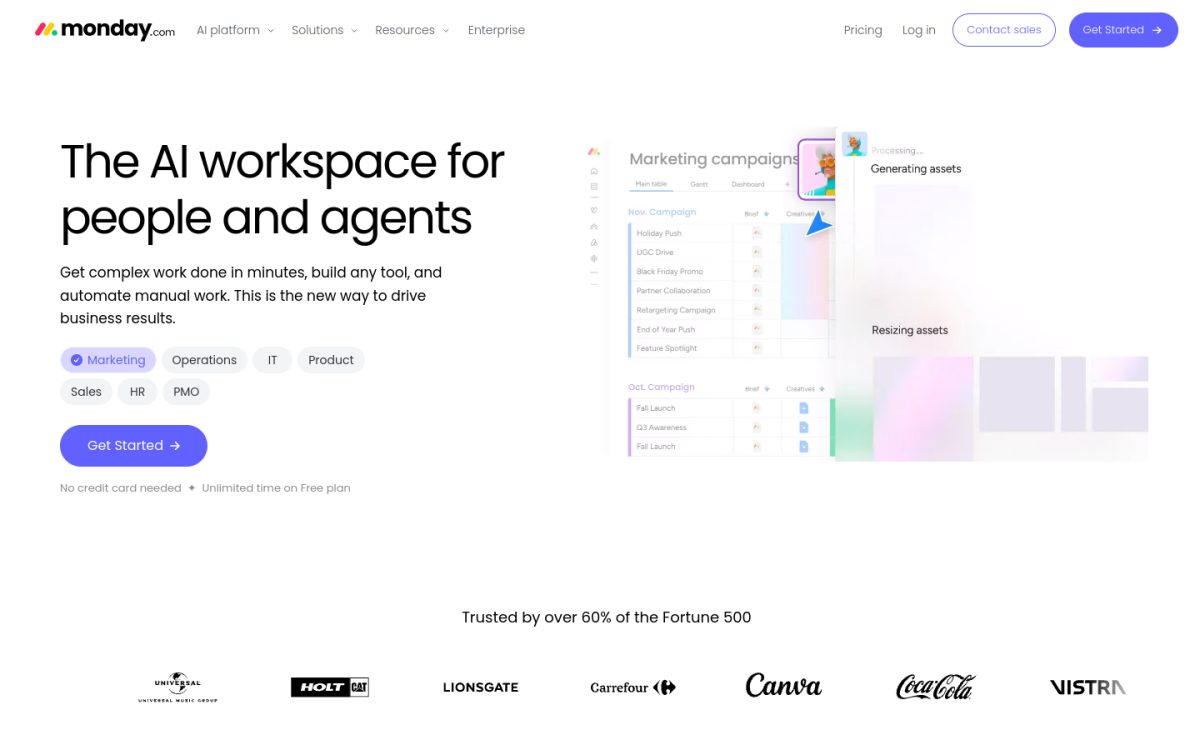
monday.com is a work management platform with colorful boards that many marketing teams use as a content calendar. Each blog post becomes an item with status, owner, due date and links, and you can switch to calendar or timeline views on higher plans.
AI is now built into every paid plan through AI credits: Sidekick (an AI assistant), AI agents, a vibe app builder and, from Standard up, AI columns and an AI meeting notetaker.
Key features
- AI credits: 1,000 per month on Basic, 2,000 on Standard and 3,000 on Pro.
- Sidekick AI assistant: understands your boards and helps run work.
- AI columns: run repetitive tasks like summaries or categorizing inside boards (Standard and up).
- AI meeting notetaker: turns content meetings into action items (Standard and up).
- AI workflow builder: connect agents and AI across boards on Pro.
How it helps your blog with AI
Use an AI column to suggest a title or summary for every idea on your content board, then assign owners and dates. The notetaker can turn a weekly editorial meeting into tasks on the same board.
Pros
-
Very easy to learn and visual -
AI included on every paid plan -
Free plan for up to 2 seats
Cons
-
AI columns and the notetaker start on Standard ($12 per seat) -
Free plan is limited to 3 boards -
AI usage is capped by monthly credits
Pricing
Free: up to 2 seats and 3 boards. Basic: $9 per seat/month billed yearly. Standard: $12 per seat/month. Pro: $19 per seat/month. Enterprise is custom. Yearly billing saves 18%.
6. Asana
Best for: larger content teams that need structured workflows, approvals and AI Teammates.
Asana is a work management platform known for clear, structured workflows. Content teams use projects with calendar and timeline views to plan articles, set dependencies between writing and editing, and keep stakeholders informed.
Asana AI is included on paid plans: AI Teammates (30+ ready-to-go AI agents), Asana Dash as an AI chief of staff, and AI Studio for no-code AI workflows. AI Meetings are included from the Advanced plan.
Key features
- AI Teammates and Asana Dash: 5 requests per user per month, up to 50 per account on Starter and Advanced.
- AI Studio: 50,000 credits per month on Starter and 75,000 on Advanced to build AI workflows.
- Timeline and Gantt views: included from Starter for planning publishing schedules.
- AI Meetings: suggests action items and owners from meetings (Advanced).
- Pay-as-you-go AI: extra requests cost $0.50 prepaid or $0.60 on demand.
How it helps your blog with AI
Use AI Studio to route new content requests: a form submission becomes a task, AI tags the topic and assigns the right writer, and the article appears on the content calendar with a due date.
Pros
-
Excellent for structured, multi-step content workflows -
Strong reporting and goals for content managers -
Free Personal plan for 1 to 2 people
Cons
-
Included AI requests are small (5 per user per month) -
Advanced plan costs $24.99 per user per month -
Overkill for a solo blogger
Pricing
Personal: $0 for up to 2 users. Starter: $10.99 per user/month billed yearly or $13.49 monthly. Advanced: $24.99 per user/month yearly or $30.49 monthly. Enterprise and Enterprise+ are custom.
7. Airtable
Best for: data-minded teams that want a custom content database with AI agents and apps.
Airtable is a database and app-building platform. Its ready-made “Content Strategy” and “Social Media Calendar” templates make it a popular base for editorial calendars, with calendar, Kanban and grid views on top of the same data.
Airtable now leads with AI: AI app building, AI agents that run inside your bases and Airtable AI embedded across workflows. That suits teams that want AI to fill in fields like keywords, summaries or briefs across hundreds of planned posts.
Key features
- Content calendar templates: start from Content Strategy or Social Media Calendar templates.
- Airtable AI: embed AI throughout end-to-end workflows.
- AI agents: deploy agents inside your apps to process records.
- Interfaces and views: calendar, Kanban, grid and custom dashboards.
- Integrations: connect with tools like Slack and Google Drive.
How it helps your blog with AI
Store every planned post with its keyword, funnel stage, writer and status. AI can draft a brief or meta description for each record, and an interface gives your founder a simple read-only view of what is publishing this month.
Pros
-
Extremely flexible data model -
Good templates for content calendars
Cons
-
Team plan costs $20 per user per month -
Takes effort to design a good base -
AI limits per plan are not clearly listed on the pricing page
Pricing
Free: $0. Team: $20 per user/month billed yearly. Business: $45 per user/month billed yearly. Enterprise Scale is custom. You pay for users with edit permissions.
8. Trello
Best for: solo bloggers and small teams that want a simple Kanban content calendar with light AI.
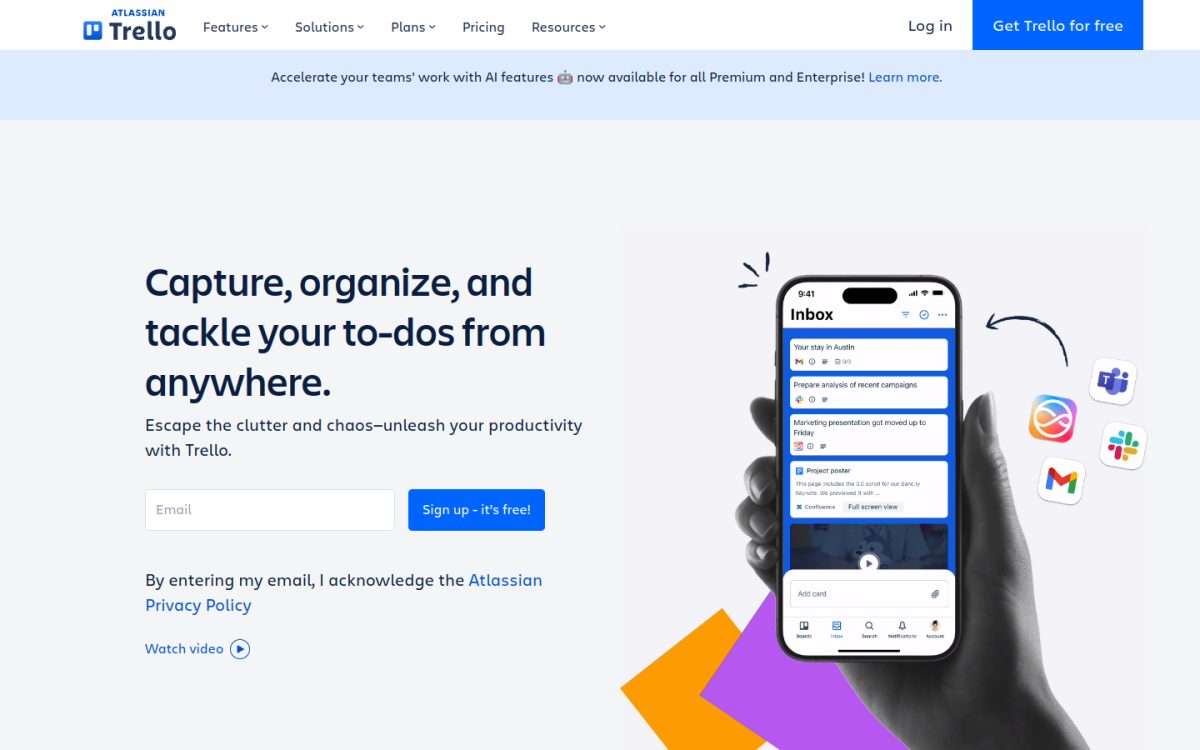
Trello, from Atlassian, uses simple boards, lists and cards. A common content setup is one list per stage (Ideas, Writing, Editing, Scheduled, Published) and one card per blog post.
Paid plans add AI features: quick capture of to-dos from email and Slack, AI help to write and improve card descriptions, AI-generated checklists and AI-generated boards. Calendar and Timeline views come with Premium.
Key features
- Boards and cards: move posts from idea to published with drag and drop.
- AI on cards: generate content, fix grammar and brainstorm inside card descriptions.
- AI organization: generate checklists, add due dates and merge cards.
- Calendar and Timeline views: included on Premium.
- Automation: 1,000 Workspace command runs per month on Standard, unlimited on Premium.
How it helps your blog with AI
Ask Trello AI to turn a card titled with a blog topic into a checklist of steps (research, outline, draft, images, publish, promote). Switch to calendar view on Premium to see your publishing schedule at a glance.
Pros
-
Easiest tool on this list to learn -
Free plan for up to 10 collaborators
Cons
-
Calendar view needs the $10 per user Premium plan -
AI features are lighter than ClickUp or Notion -
Not built for complex multi-step workflows
Pricing
Free: $0 for up to 10 collaborators per Workspace. Standard: $5 per user/month billed yearly ($6 monthly). Premium: $10 per user/month yearly ($12.50 monthly). Enterprise: $17.50 per user/month billed yearly.
How to Choose the Right AI Content Calendar Tool
Start with how your team publishes today, then check these points:
- Content tool or work tool: if you want writing, publishing and promotion in one place, pick a content platform like StoryChief or CoSchedule. If your team already lives in Notion, ClickUp or Asana, build the calendar there.
- Where the AI helps: check whether AI drafts content, fills calendar fields, writes social posts or automates workflow. Each tool is strong in a different area.
- AI limits: many tools cap AI with monthly credits or requests. Asana includes 5 AI Teammate requests per user per month, while CoSchedule gives unlimited AI assistant use on paid plans.
- Team size and seats: per-user pricing adds up fast. A 5-person team on Notion Business pays $100 per month, while StoryChief Growth includes 5 users for $279.
- Publishing and promotion: only StoryChief and CoSchedule connect your calendar directly to WordPress and social channels.
- Measuring results: a calendar shows what you planned, not what worked. Pair it with analytics and an AI visibility tracker so you know which posts AI assistants actually cite.
Most of these tools have a free plan or free trial, so test two of them with one month of real blog content before you commit.
FAQs About AI Content Calendar Tools
What is the best AI content calendar tool?
StoryChief is the best overall AI content calendar tool for business blogs because it combines a shared calendar, AI writing, CMS publishing and AI Visibility tracking. ClickUp is the best value pick if you want a general work platform with AI from $9 per user per month.
Is there a free AI content calendar tool?
Yes. ClickUp, Notion, Trello, monday.com, Asana and Airtable all have free plans you can use as a content calendar, and CoSchedule has a free plan for 15 scheduled posts. Most free plans include little or no AI, so you need a paid plan for full AI features.
Can AI plan my blog content calendar for me?
AI can suggest topics, write briefs, fill in keywords and draft social posts, but it should not decide your strategy alone. Use AI for the busywork and keep a human in charge of topics, quality and fact-checking.
Can I use Notion or ClickUp as a content calendar?
Yes. Both have calendar views on top of databases or task lists, plus AI that can autofill fields and draft content. You will need to set up your own stages, fields and templates.
Does a content calendar help with SEO and AI search?
Indirectly, yes. A calendar helps you publish consistently, cover topics fully and update old posts on schedule, which supports Google rankings and makes your blog more likely to be cited by AI assistants.
Final Thoughts
For most business blogs, StoryChief is the strongest all-in-one AI content calendar, CoSchedule is best for promoting every post, and ClickUp or Notion work well if your team already plans work there. Pick one, load next month’s posts into it and let AI handle the briefs and busywork.
Want to fill that calendar faster? See our guides to the best AI blog writers, the best AI content repurposing tools and how to update old blog posts with AI.
Some links in this post are affiliate links. If you sign up through them, we may earn a commission at no extra cost to you.


